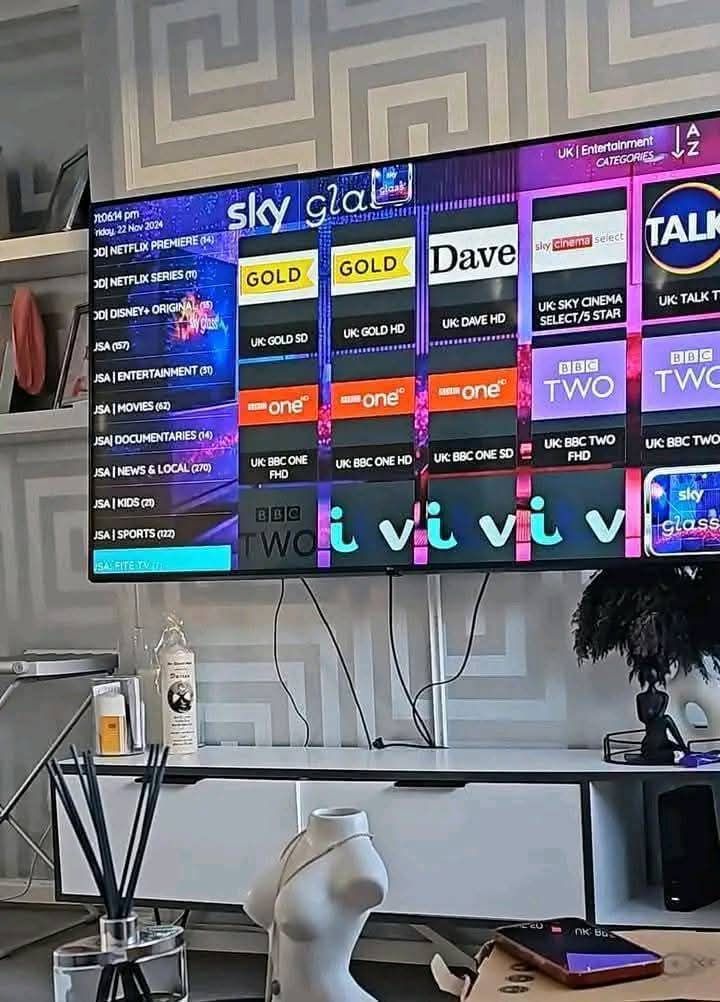
How to Choose the Best IPTV Service in 2026: A Complete Buyer’s Guide
How to Choose the Best IPTV Service in 2026: A Complete Buyer’s Guide
How to choose the best IPTV service in 2026 based on quality channels devices and reliability
Introduction
There are many IPTV services available today, but choosing one based only on a massive channel count or the cheapest price can lead to a very poor viewing experience. If you are shopping for a new streaming subscription, you have likely encountered countless websites promising the "best" service, unlimited 4K content, and zero buffering forever.
The reality is that buyers should evaluate the entire service holistically before committing. A truly premium provider must be judged on its relevant content, streaming quality, server stability, device support, customer service, transparent pricing, and the availability of a trial.
The purpose of this guide is to explain exactly how you can evaluate and choose an IPTV service that fits your specific needs in 2026. Whether you are considering the OmniPTV platform or comparing other options, this buyer's guide will help you understand what to look for, what to avoid, and how to test a service properly.
Quick Answer: What Should You Look for in an IPTV Service?
If you are short on time, here is a concise answer. When evaluating an IPTV provider, check these crucial criteria:
- Relevant channel selection (do they have what you actually watch?)
- Stable streaming without constant buffering
- Genuine HD, Full HD, and 4K quality options
- A useful and accurate Electronic Program Guide (EPG)
- A comprehensive VOD library where relevant for movies and series
- Device compatibility (Smart TVs, Android, iOS, Windows, Mac)
- Broad IPTV player compatibility (M3U or Xtream Codes support)
- Good, accessible customer support
- Transparent pricing without hidden fees
- A trial or testing option before purchase
- Clear refund policies and terms
- Reliable performance during evening peak hours
No single feature determines whether an IPTV service is good. A massive channel list means nothing if the streams constantly freeze during peak hours.
Test the Best IPTV Service
Not sure if OmniPTV is right for you? Try our premium 4K streaming service completely risk-free.
1. Check the Channels You Actually Watch
When comparing an IPTV subscription, it is common to see providers advertising 50,000 or even 100,000 channels. However, channel count alone is not enough to make a decision. A service advertising thousands of channels may still be entirely unsuitable if it does not include the channels you actually want to watch.
Instead of looking for the highest number, tell yourself to check for:
- Local and regional channels in your native language
- National news broadcasting
- Dedicated live sports networks
- Premium entertainment channels
- Kids and family programming
- Specific international content if you follow foreign media
For example, if you explore the OmniPTV Zenderlijst, you can verify the specific categories and channel availability before making a decision. Quality and relevance always beat sheer quantity.
2. Look at Streaming Quality, Not Just Channel Quantity
The resolution and clarity of your streams are just as important as the content itself. When evaluating the best IPTV service 2026, you should look for options that provide:
- HD (720p)
- Full HD (1080p)
- 4K (Ultra HD)
Several factors affect the perceived quality of a stream. These include the source broadcast quality, the bitrate used by the IPTV provider for compression, the decoding capabilities of your device, your television display, and your home internet connection.
It is important to understand that a "4K" label does not automatically mean every channel or live sporting event is genuinely available in native 4K. Many live broadcasts globally are still produced in 1080i or 720p. A reliable Omni IPTV service typically offers a mix of SD, HD, Full HD, and select 4K Ultra HD offerings, allowing you to choose the best stream for your network conditions.
3. Prioritize Stability and Consistency
Stability can matter far more than an inflated channel count. If you are watching a crucial live sports match or a breaking news event, you need a stream that does not fail.
When testing a service, pay attention to:
- Buffering frequency
- Freezing or stuttering video
- Unexplained connection drops
- Sudden quality changes (downgrading from HD to SD automatically)
- Peak-hour performance
You should evaluate the service under the conditions in which you normally watch. Do not trust any provider that promises a "100% buffer-free" experience, as the internet itself is subject to variables outside of any provider's complete control. However, a premium provider minimizes these issues significantly. If you want to know more about how connection stability affects viewing, you can read about evaluating IPTV vs Cable TV.
4. Test IPTV During Peak Viewing Hours
A service that performs perfectly at 10:00 AM on a Tuesday may behave very differently at 8:00 PM on a Saturday during a massive live sporting event.
You must test an IPTV service during:
- Evenings when network demand is highest
- Weekends
- Popular live sports broadcasts
- Major TV events and premieres
During these times, internet service providers (ISPs) and streaming servers face peak loads. A high-quality provider invests in robust server infrastructure to handle this traffic. Always compare daytime performance against evening and weekend performance to get a true measure of stability.
5. Check Whether the IPTV Service Includes a Useful EPG
An EPG (Electronic Program Guide) is the digital TV guide that displays what is currently playing and what is coming next. It is an essential feature for a traditional TV viewing experience.
A good EPG helps users:
- See current programs at a glance
- Find upcoming shows and set reminders
- Navigate large channel lists effortlessly
- Identify scheduled content quickly
EPG accuracy depends entirely on the provider and the source data they utilize. When setting up your OmniPTV abonnement, ensuring that the EPG URL is correctly configured will make channel surfing intuitive and familiar.
6. Consider VOD If You Watch Movies and Series
Many modern viewers consume more on-demand content than live television. Therefore, the difference between Live TV, VOD (Video on Demand), and Catch-up TV is important.
Live TV is broadcast in real-time. Catch-up TV allows you to replay live broadcasts that aired a few days ago. VOD is a library of movies and series that you can start, pause, and stop whenever you want.
A massive VOD library may be incredibly useful for movie enthusiasts, but entirely irrelevant for users who only subscribe to watch live sports. Evaluate whether the provider frequently updates their VOD library with recent releases.
7. Make Sure Your Device Is Supported
There is no point in purchasing a subscription if you cannot easily watch it on your preferred screens. A modern provider should support common platforms, such as:
- Smart TVs (Samsung Tizen, LG webOS)
- Android TV and Google TV
- Amazon Fire TV and Firestick
- Apple TV
- Smartphones (iOS and Android)
- Tablets
- Windows and Mac computers
- Dedicated streaming boxes (MAG, Formuler)
Compatibility should always be verified before subscribing. You can review the OmniPTV Devices page to confirm that your specific hardware is fully supported. Do not rely on services that force you to buy expensive proprietary hardware.
Upgrade Your Entertainment
Get access to over 25,000 live channels and 130,000+ VODs. Instant activation on all devices.
8. Check IPTV Player Compatibility
The IPTV provider and the IPTV player are separate components. The provider supplies the content via a server URL, while the player is the app installed on your device that decodes the video.
A good service offers broad compatibility through standard formats:
- M3U playlist support
- Xtream Codes login (Username, Password, Server URL)
This broad support means you can use highly-rated applications like IPTV Smarters Pro, TiviMate, or the dedicated Omni IPTV App. An app should provide smooth playback, an integrated EPG, easy search functions, favorites management, and Catch-up support where available. If you have trouble getting your app running, review our IPTV Setup on Android TV guide.
9. Check Your Internet Connection
Before evaluating the streaming service, evaluate your own internet connection. Key network factors include:
- Total bandwidth (download speed)
- Connection stability
- Network latency (ping)
- Wi-Fi quality and interference
- Ethernet availability
- Network congestion from other users in your home
While 15-25 Mbps is generally recommended for stable HD streaming, a 4K stream may require 50 Mbps or more for optimal performance. However, internet speed alone does not guarantee perfect streaming. Stability is often more critical than raw speed. A 100 Mbps connection that drops packets constantly will buffer more than a rock-solid 30 Mbps connection.
10. Ethernet vs Wi-Fi for IPTV
When connecting your Smart TV or streaming box, the method matters.
Ethernet (Wired):
- Generally more consistent and reliable
- Less susceptible to wireless interference
- Delivers lower latency and faster sustained speeds
- The absolute best choice for 4K streaming
Wi-Fi (Wireless):
- Highly convenient with no messy cables
- Can be heavily affected by distance and physical obstacles (walls)
- Susceptible to interference from other networks and devices
- Prone to network congestion
If you use Wi-Fi, prefer the 5 GHz band for faster speeds if your TV is close to the router, and the 2.4 GHz band for better range if the TV is far away. However, Ethernet does not solve every IPTV issue if the server itself is struggling.
11. Test the Service Before Committing
 Testing IPTV service quality and compatibility before buying a subscription
Testing is incredibly valuable. Before purchasing a long-term IPTV subscription 2026, you should evaluate the service in a real-world scenario.
Tell users to evaluate:
- Their absolute favorite channels
- The performance of HD, Full HD, and 4K streams
- Evening and weekend performance
- Live sports stability
- EPG accuracy
- VOD playback
- Device compatibility
- Channel switching speed
The OmniPTV Free Trial allows you to test the infrastructure on your own network. Do not commit to an annual plan with any provider without confirming it works flawlessly in your living room first.
12. Evaluate Customer Support
Good support matters immensely. When you encounter a setup problem or a billing issue, you need a responsive team. Check the provider's:
- Available contact methods
- Expected response times
- Willingness to provide installation help
- Ability to assist with troubleshooting
If a provider only offers an email address that goes unanswered for days, look elsewhere. High-quality providers, such as the Omni IPTV service, offer 24/7 support via WhatsApp and live chat, ensuring you get help exactly when you need it.
13. Compare IPTV Pricing Carefully
When conducting an IPTV service comparison, remember that the cheapest subscription is not always the best value.
When comparing pricing, evaluate:
- Total subscription length (monthly vs annual)
- Number of simultaneous devices allowed
- Included features (VOD, EPG, Catch-up)
- Availability of a trial
- Refund policy
- Accessibility of support
- Actual content and streaming quality
A service that costs a few dollars more but provides flawless 4K sports and instant WhatsApp support is infinitely more valuable than a cheap service that buffers constantly. You can compare the comprehensive plans on the real OmniPTV Pricing page to understand what a premium package includes.
14. Check How Many Devices You Can Use
It is vital to understand the difference between supported devices, simultaneous connections, and account access.
You might be able to install the IPTV player on your TV, phone, and tablet (supported devices). However, your specific pricing tier determines how many of those devices can stream content at the exact same time (simultaneous connections). Do not assume that because a service "works on many devices," simultaneous streaming is unlimited. Check your subscription details to ensure it meets your household's needs.
15. Read the Terms Before Buying
Before completing your purchase, always read the terms and conditions. Look specifically for:
- The refund policy and money-back guarantees
- Subscription duration and renewal policies
- Device and IP limitations
- Rules regarding account sharing
- Acceptable use policies
- Privacy commitments
Transparency is key. If a provider tries to hide their terms, consider it a red flag. Reviewing the OmniPTV Terms ensures you know exactly what is included in your subscription.
16. Check Privacy and Payment Security
When buying an IPTV service, protect your data. Discuss and verify:
- That the website uses HTTPS encryption
- The legitimacy of the payment provider
- The clarity of the privacy policy
- How your account credentials and password security are managed
- Avoiding suspicious or unsecured direct payment requests
While no service online is "100% secure," choosing a provider that utilizes verified, standard payment gateways adds a significant layer of protection.
17. IPTV Red Flags to Watch Out For
As you navigate the market for the best IPTV provider, watch out for these warning signs:
- No clear pricing structure on the website
- Missing terms of service or privacy policies
- No contact information or extremely slow support
- Unrealistic promises ("Zero buffering forever guaranteed!")
- Fake-looking, overly generic reviews
- Impossible guarantees regarding specific copyrighted broadcasts
- Unclear or non-existent refund policies
- No way to test the service
- Constantly changing domain names to avoid detection
- Highly suspicious payment methods
- Overly aggressive marketing claims
If a provider exhibits multiple red flags, it is best to look for a more professional alternative.
18. A Simple IPTV Comparison Checklist
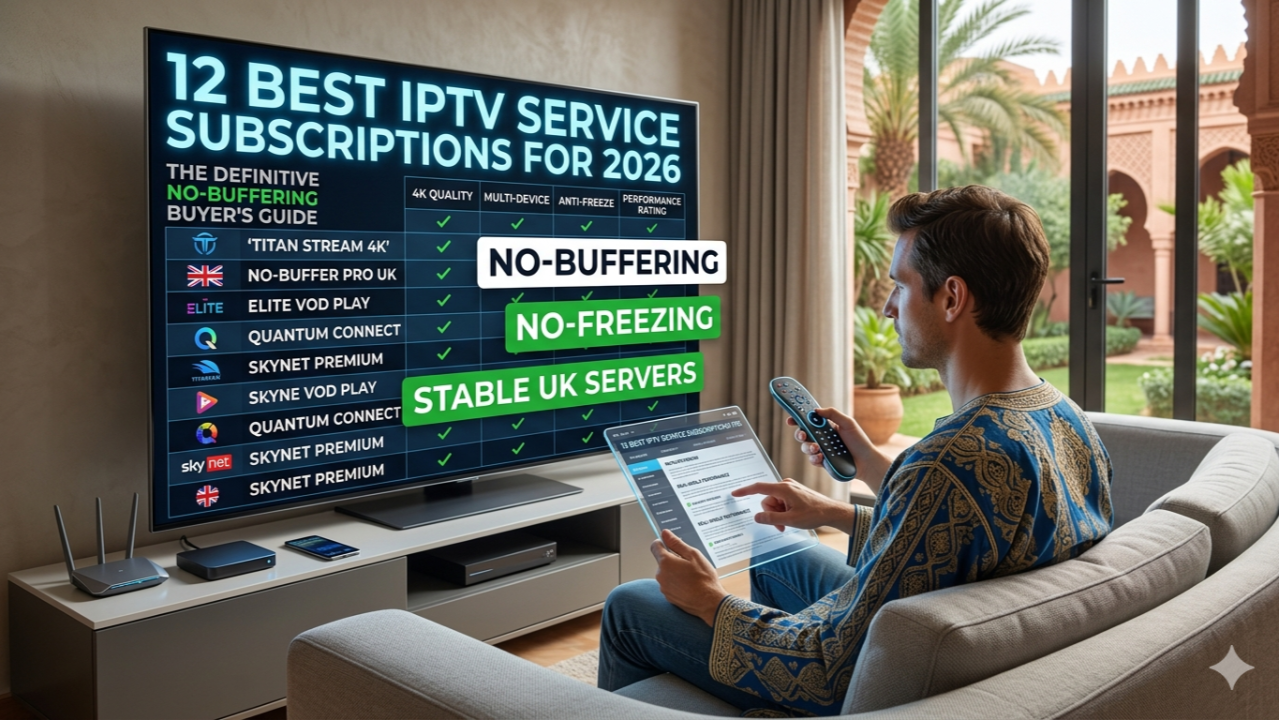 IPTV service buyer checklist for channels quality devices pricing and support
To make your decision easier, use this practical checklist when evaluating any provider:
| Factor | What to Check |
|---|---|
| Channels | Are the specific channels you actually watch available? |
| Quality | Does it offer genuine HD, Full HD, and 4K options? |
| Stability | How often does the stream buffer or interrupt? |
| EPG | Is the TV guide accurate and easy to use? |
| VOD | Is the movie and series library relevant and updated? |
| Devices | Does it support your specific Smart TV or streaming device? |
| Player | Can you use your preferred M3U/Xtream Codes player? |
| Internet | Does your connection meet the recommended speeds? |
| Trial | Can you test the service before committing? |
| Support | How quickly can you get help if something breaks? |
| Pricing | Does it offer good total value, not just a low monthly price? |
| Refunds | Is there a clear, transparent money-back policy? |
| Terms | Are the usage conditions and device limits clear? |
Step-by-Step: How to Choose Your IPTV Service
Follow this logical progression to find the perfect provider:
Step 1 — Define what you watch
Make a list of the 10-20 channels you absolutely cannot live without.
Step 2 — Check channels
Verify that the provider officially carries those specific networks.
Step 3 — Check quality
Ensure they offer the resolution (HD/4K) your television supports.
Step 4 — Check device compatibility
Confirm they support your specific hardware, such as an Android TV or Firestick.
Step 5 — Check internet requirements
Run a speed test to ensure you have at least 25-50 Mbps of stable bandwidth.
Step 6 — Test during peak hours
Use a trial to watch during a busy weekend evening.
Step 7 — Test your most important channels
Do not just test random channels; test the ones you actually care about.
Step 8 — Check EPG and VOD
Navigate the interface to ensure the guide works and movies play smoothly.
Step 9 — Review pricing
Compare the subscription tiers and simultaneous connection limits.
Step 10 — Read refund and subscription terms
Understand what happens if you need to cancel.
Step 11 — Contact support with questions
Send a quick message to support to see how quickly they respond.
Step 12 — Choose the service that best matches your actual needs
Make your final decision based on stability, value, and reliability.
What to Look for When Evaluating OmniPTV
If you are considering our platform during your search, here is what you should evaluate when looking at OmniPTV. If the features and terms meet your requirements, OmniPTV can be one excellent option to consider.
Based on verified project offerings, the platform provides access to over 25,000 live channels and a library of 130,000+ VOD titles, catering to a diverse, global audience. With support for 4K Ultra HD, Full HD, and HD streaming, you have flexibility based on your internet speed.
We support a wide variety of multiple device options through standard M3U and Xtream Codes compatibility, allowing for direct and fast activation. Should you need help, our team provides true 24/7 support via WhatsApp and live chat. Finally, we offer a free trial so you can test the network yourself, backed by a 7-day money-back guarantee for premium plans.
Frequently Asked Questions
Final Thoughts
Do not choose IPTV based only on channel count. To find the true best IPTV service 2026, you must evaluate the entire ecosystem.
Evaluate the picture quality and test the stability during normal evening viewing hours. Check if your devices are supported, ensure your internet meets the requirements, and verify that the pricing aligns with your budget. Always read the terms, test customer support, and use a trial when available.
By choosing the service that actually matches your viewing needs, you can transform your living room entertainment. If you are ready to upgrade your setup, explore the robust options available with OmniPTV today.